What is a C drive cleaner?
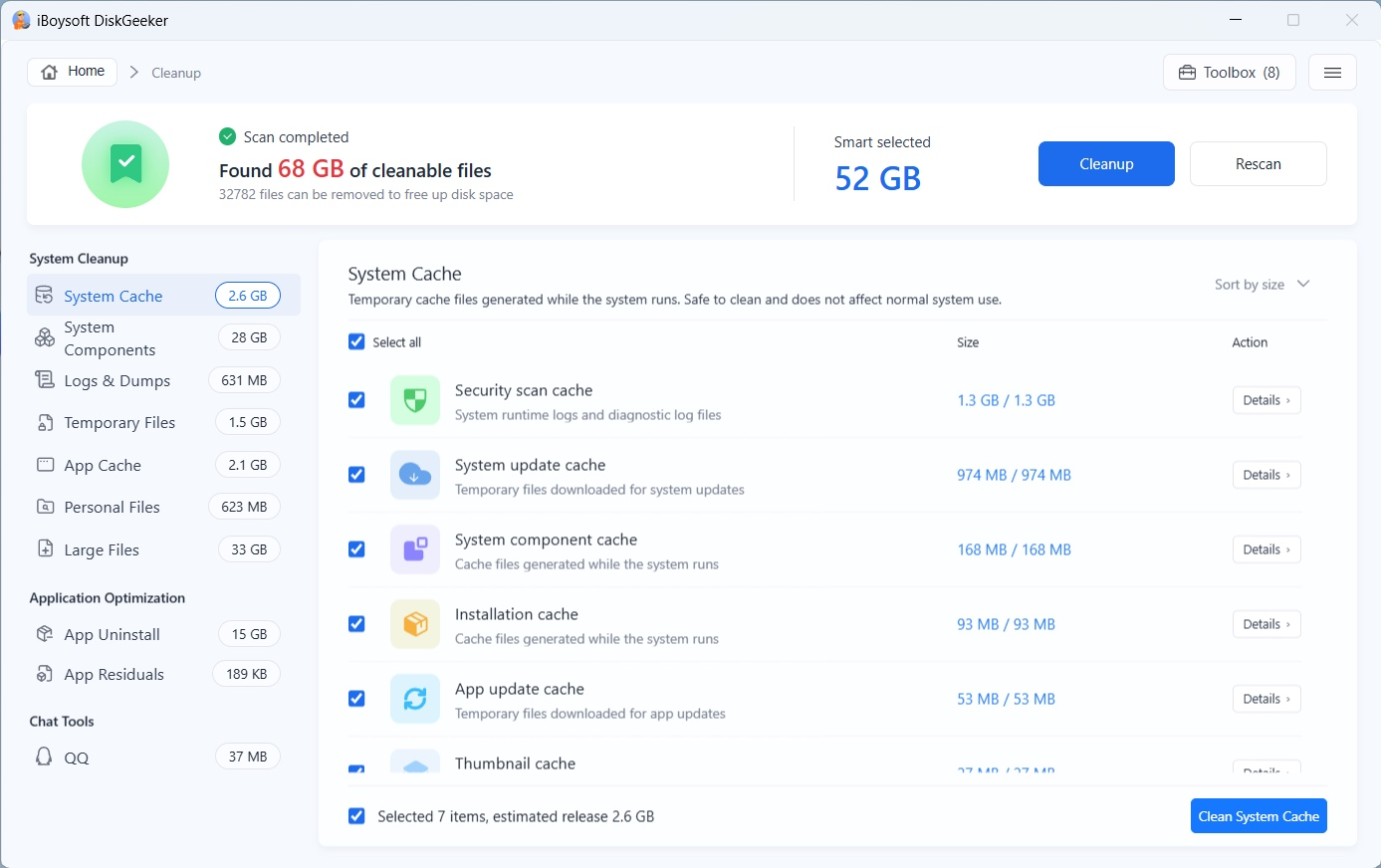
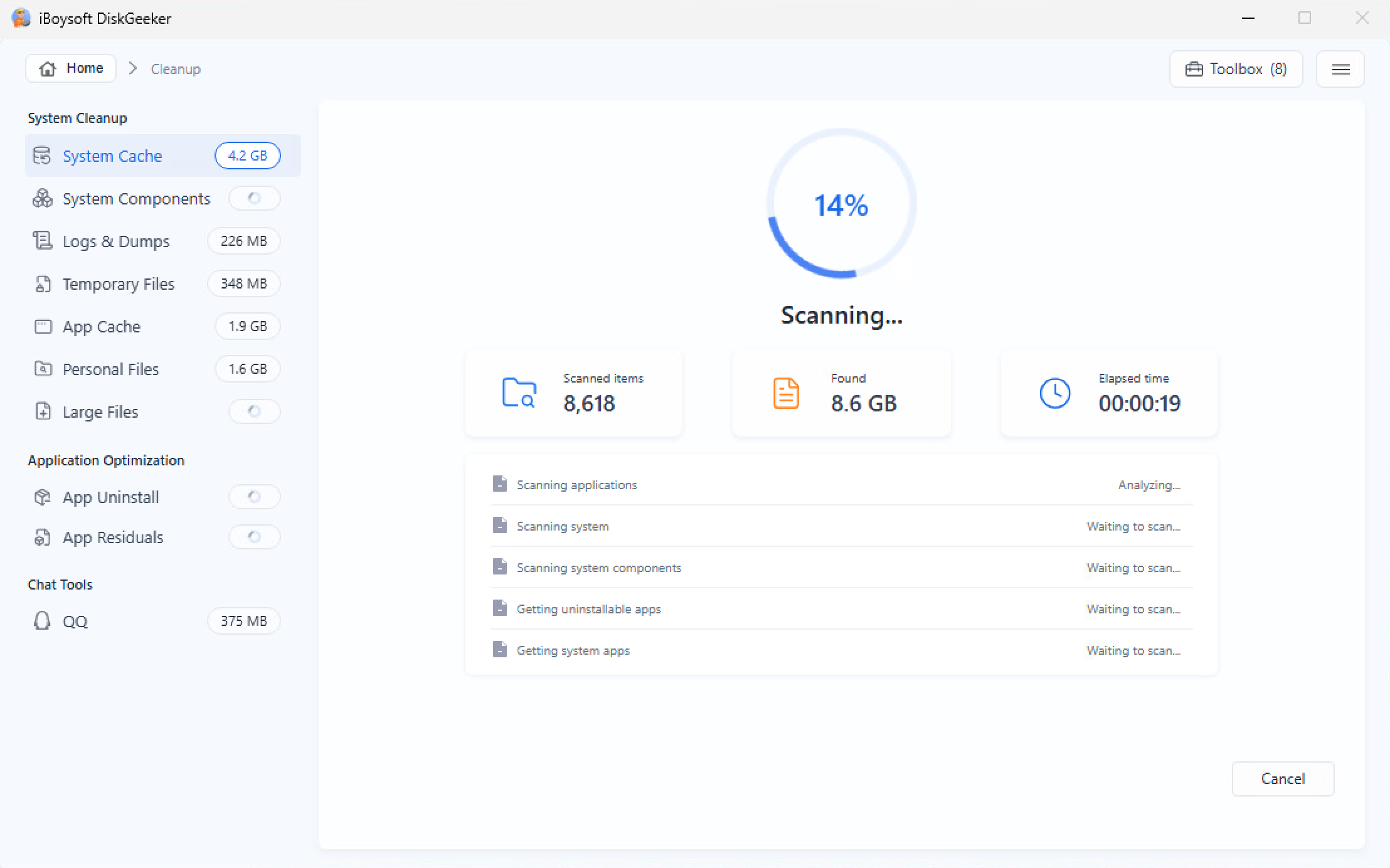
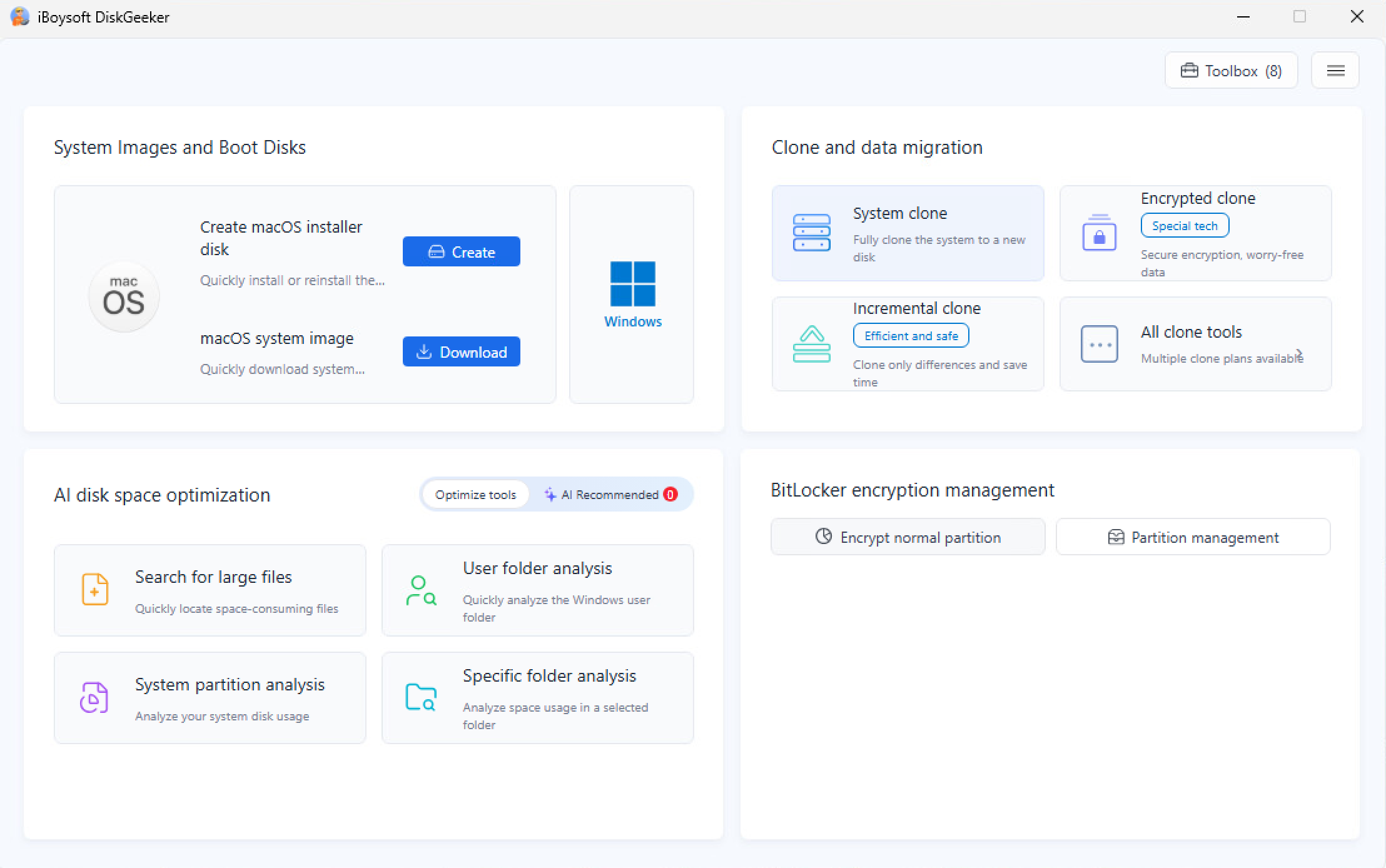
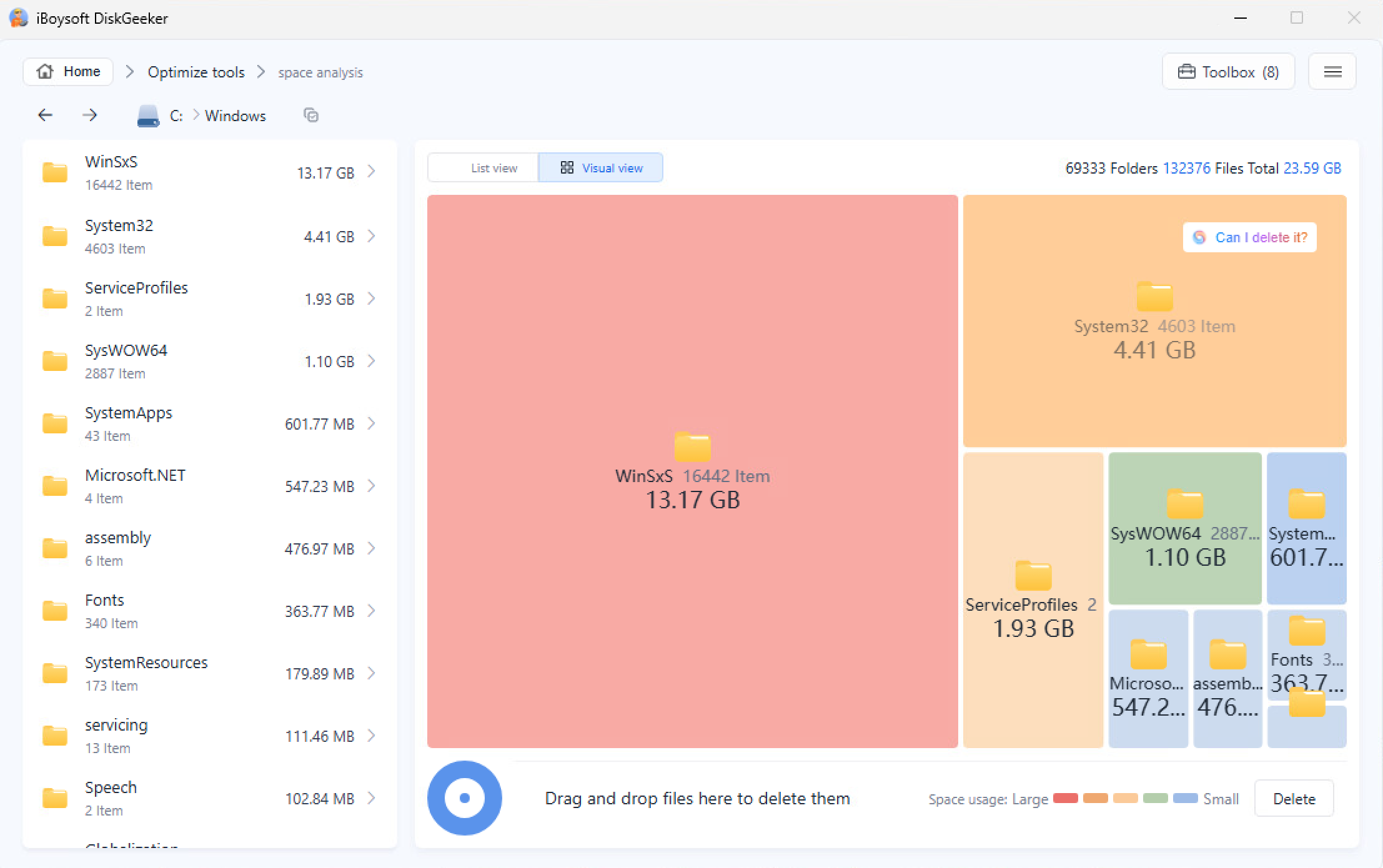
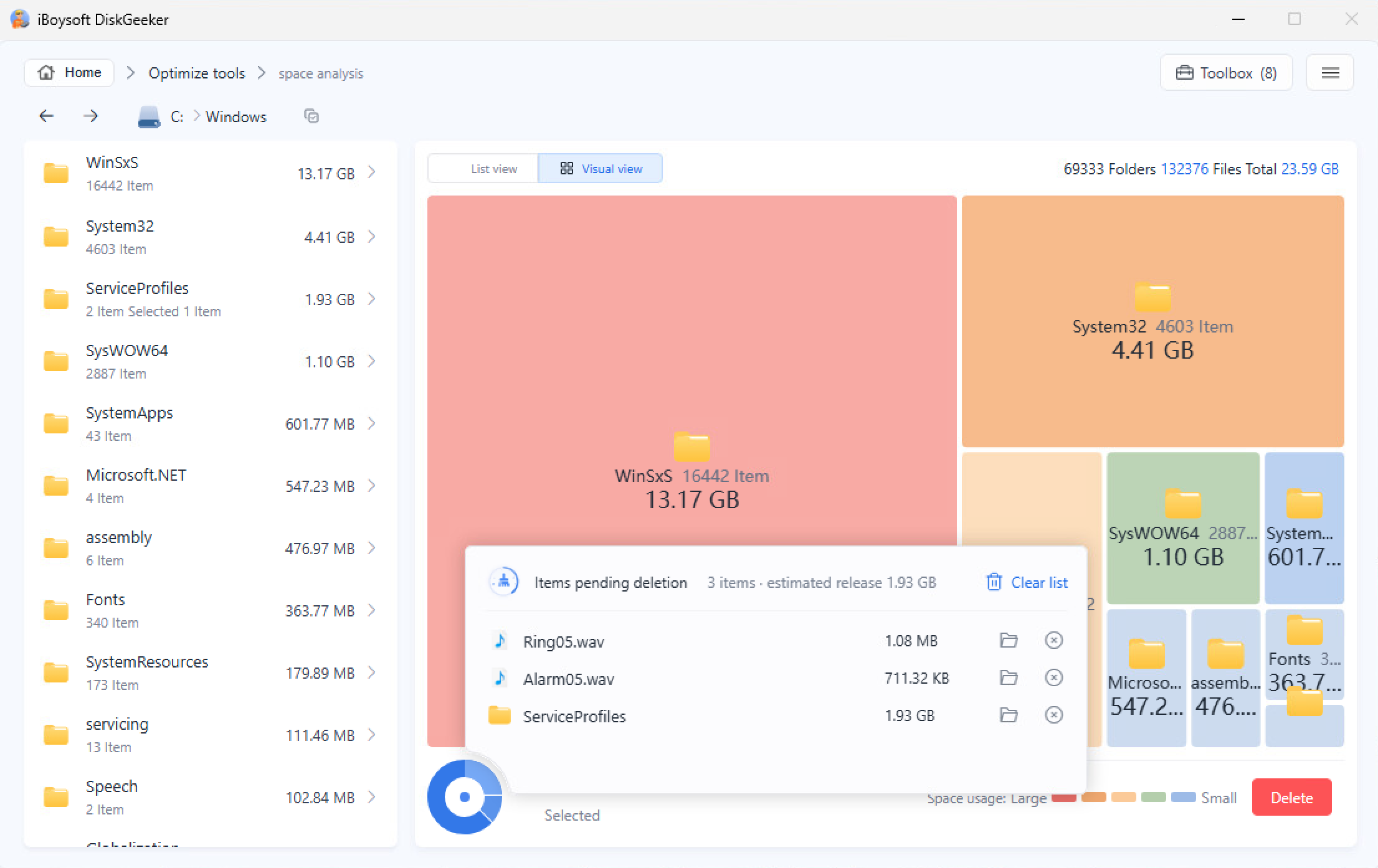
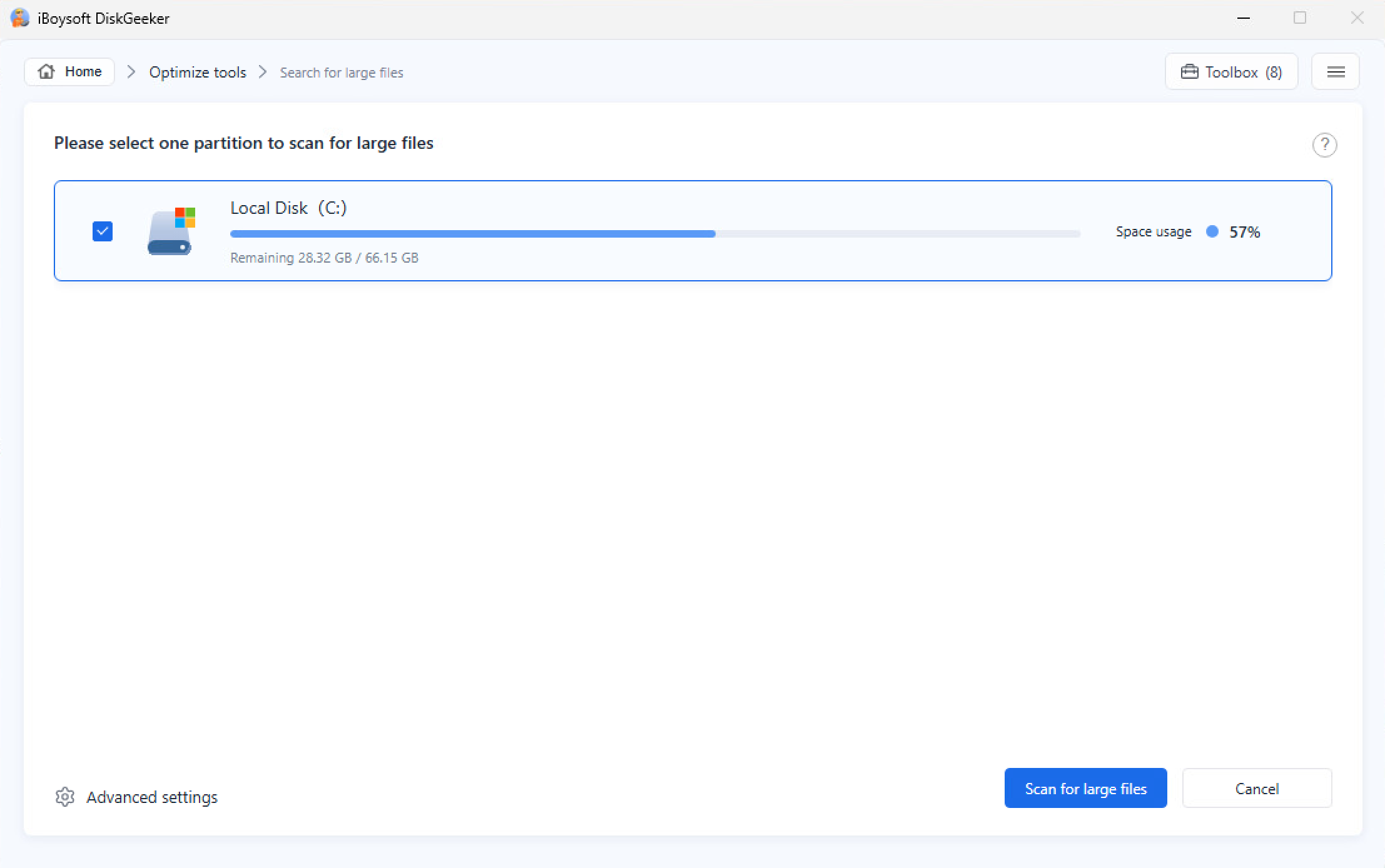
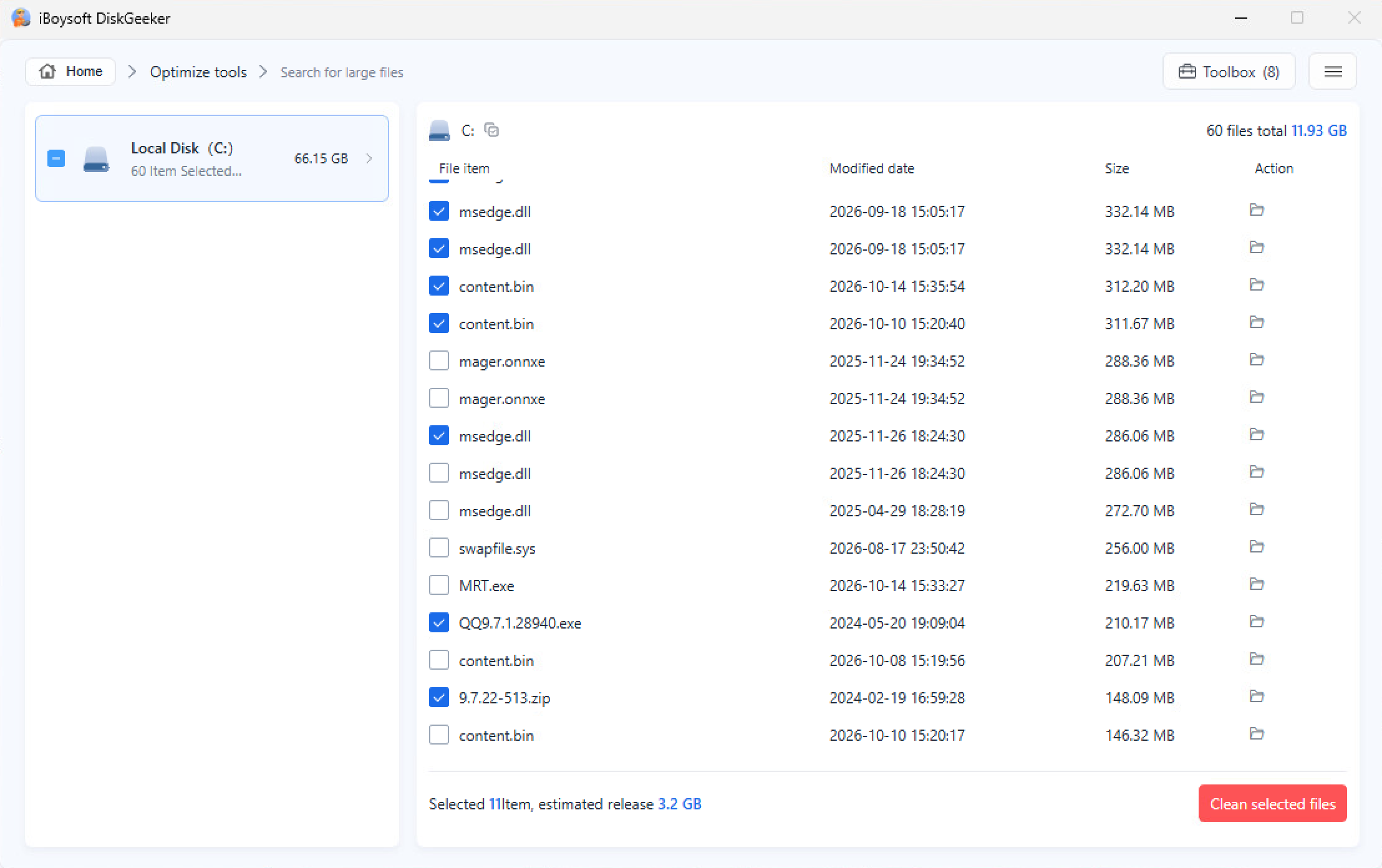
A C drive cleaner is a tool that helps identify unnecessary files on the Windows system drive so you can remove them and free up disk space. iBoysoft DiskGeeker for Windows combines system junk cleanup, disk space analysis, and large file search in one tool.
How do I clean my C drive safely?
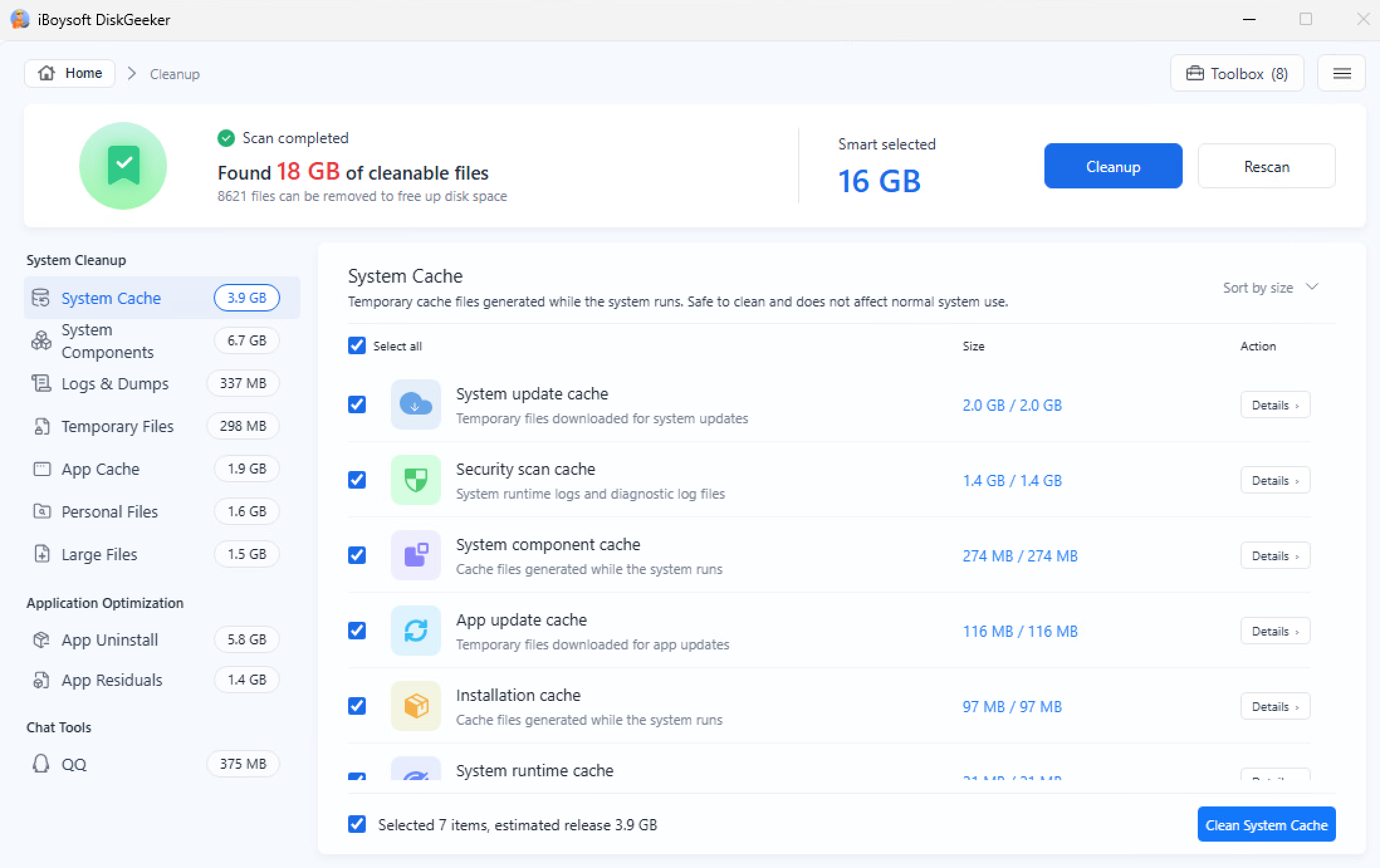
Use a trusted cleanup tool to scan for unnecessary files, review the results, and remove only the items you no longer need. iBoysoft DiskGeeker for Windows automatically selects recommended system junk for cleanup, while allowing you to review personal files and other items before deleting them. Back up important data when necessary.
What files can I delete from my C drive?
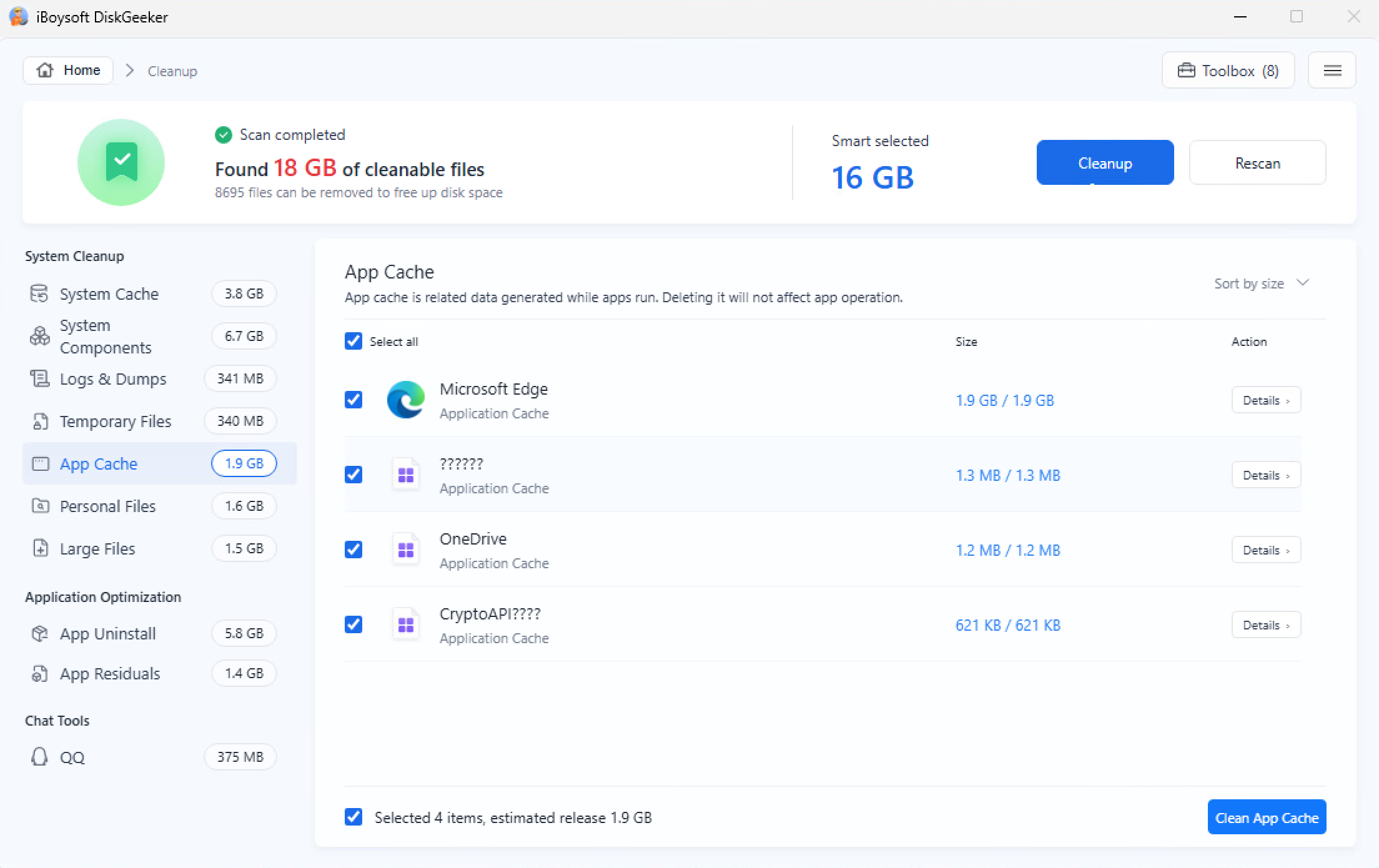
You can start by reviewing temporary files, system caches, logs, dump files, app caches, and leftovers from uninstalled applications. iBoysoft DiskGeeker for Windows identifies these types of system junk for cleanup. For personal files and unfamiliar items, review their purpose before deleting them.
Can I clean my C drive without deleting personal files?
Yes. You can review the system junk selected for cleanup and leave your personal files untouched. iBoysoft DiskGeeker for Windows also lets you inspect personal files separately, so you can choose what to keep or remove.
Is iBoysoft DiskGeeker for Windows free?
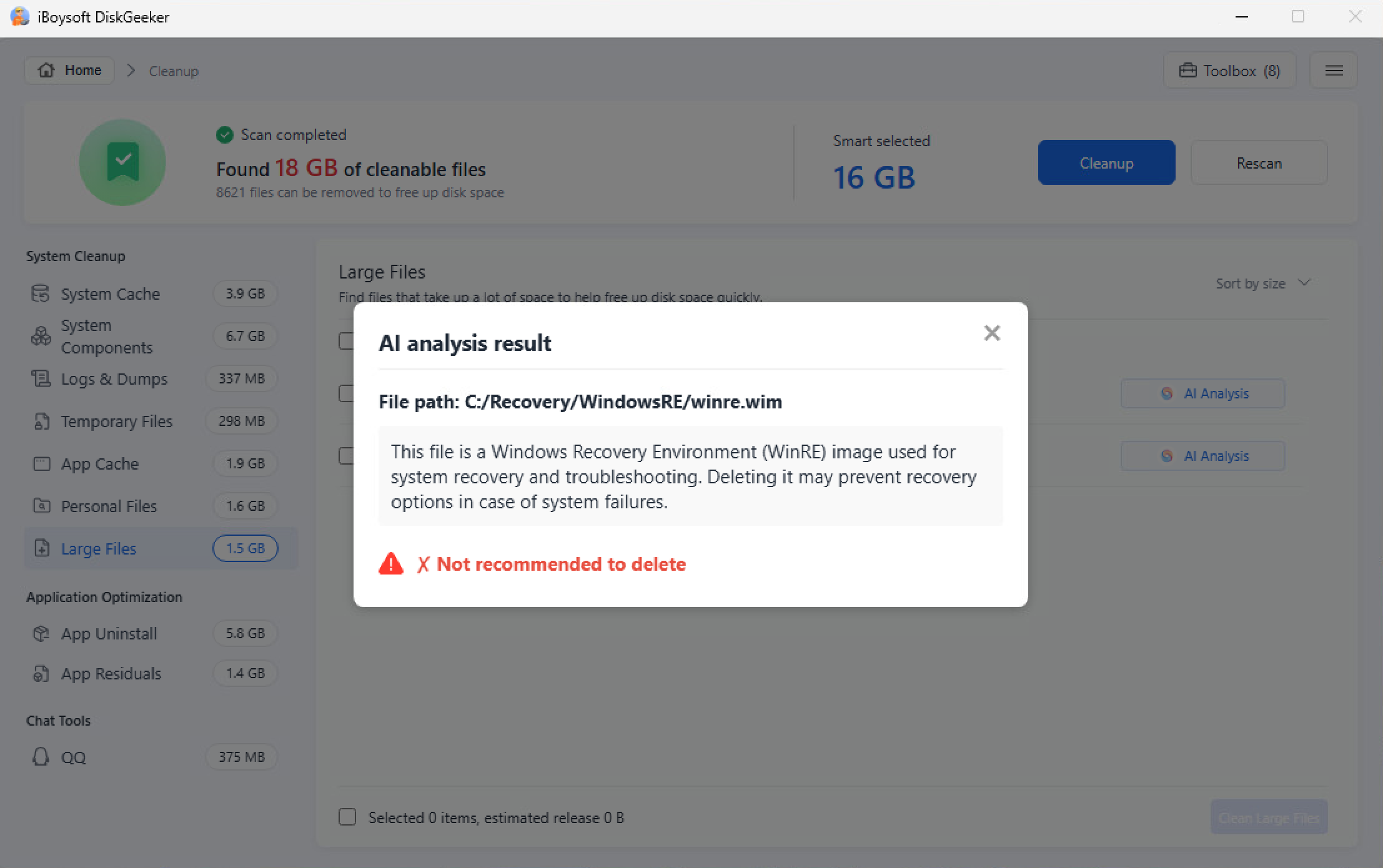
You can download the software and scan your C drive for free, then review the results before deciding whether to upgrade. The free edition also supports disk space analysis and large file search, with AI file analysis limited to three uses per day. A paid version is required to clean the selected junk files.
Does cleaning the C drive improve PC performance?
It can help when low disk space interferes with Windows updates or other storage-related tasks. However, cleaning the C drive won't necessarily fix slow performance caused by insufficient RAM, malware, background applications, or hardware problems.