BitLocker for Mac refers to a class of utilities that enable macOS to access BitLocker-encrypted external drives. These tools allow users to read from and, in supported modes, write to BitLocker-protected drives on a Mac.
By default, macOS cannot recognize or mount BitLocker-encrypted drives. To access or modify files stored on such drives, third-party software is required.
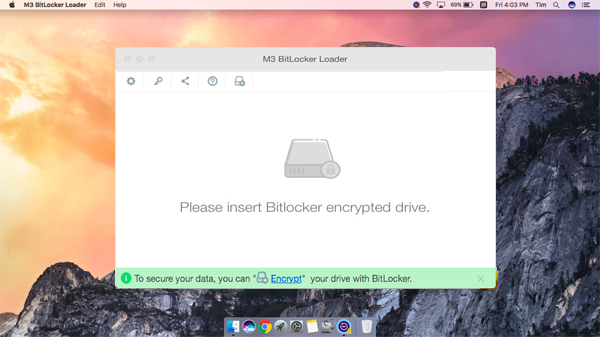
M3 BitLocker Loader for Mac is designed to provide BitLocker access on macOS systems, including both Intel-based Macs and Apple Silicon Macs.
When mounted in read-write mode, BitLocker-encrypted drives appear as standard volumes in Finder rather than as virtual file systems. This allows file operations to behave consistently with other external drives on macOS.
M3 BitLocker Loader for Mac allows you to unlock and access BitLocker-encrypted drives on macOS.
Once unlocked, you can read and write files, copy data to your Mac, and make changes such as editing, deleting, renaming, and modifying files directly on the BitLocker-protected drive.
M3 BitLocker Loader for Mac uses a custom-developed driver to unlock and mount BitLocker-encrypted drives. This approach ensures fast and efficient read-write performance, similar to that of a Mac's native drives, once the BitLocker drive is unlocked and mounted in Finder.
Unlike other utilities relying on third-party drivers like osxfuse, this solution provides consistent performance for file operations, minimizing potential delays.
M3 BitLocker Loader for Mac provides two distinct methods for accessing BitLocker-encrypted drives on macOS, each designed for different usage scenarios.
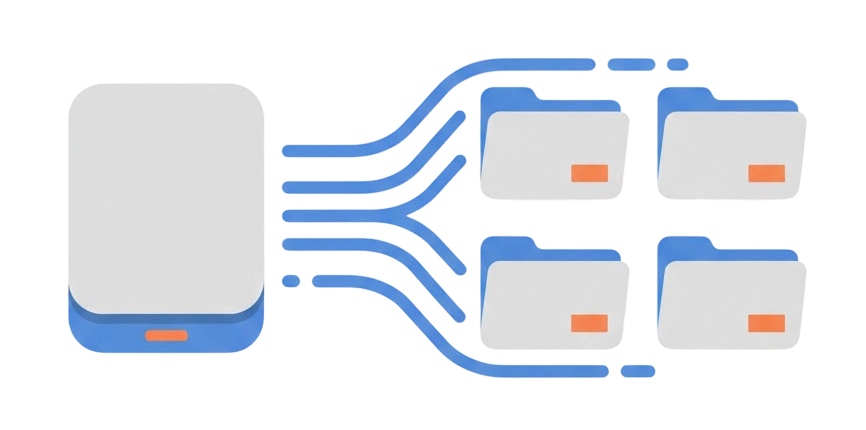
File Manager method:
> Allows browsing and transferring files from a BitLocker-encrypted drive
> Does not mount the drive as a writable volume in Finder
> Does not require enabling a system extension
This method is intended for file access and extraction.
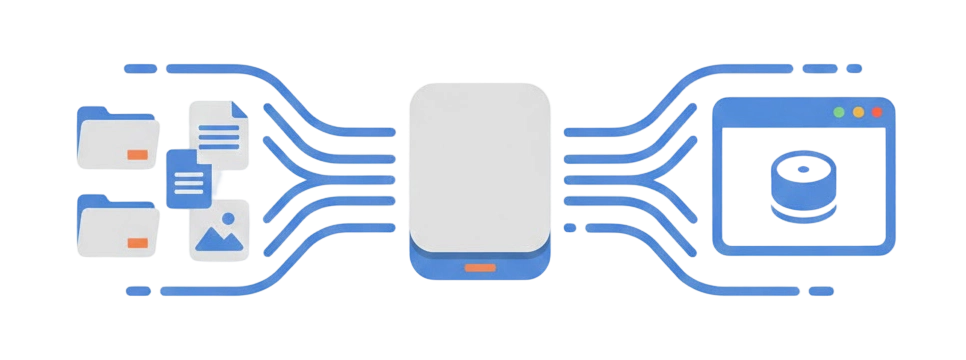
Volume Mounter method:
> Unlocks and mounts the BitLocker-encrypted drive in Finder as a standard volume
> Supports read and write operations, including editing, deleting, and renaming files
> Requires manually enabling a system extension to load the user-level file system driver
This method is intended for users who need ongoing, full access to BitLocker-protected drives on macOS.
Unlike other BitLocker for Mac utilities, which mount BitLocker drive as the virtual drive and often cause unexpected errors.
M3 BitLocker Loader for Mac mounts BitLocker-encrypted drives as physical volumes in Finder, ensuring full compatibility with macOS file management tools and external utilities.
This method provides stable and reliable access to the mounted drive, unlike virtual drive mounts that may cause unexpected issues.
Note Virtual drives are not recognized by macOS features such as Time Machine or third-party utilities (e.g., sync software).
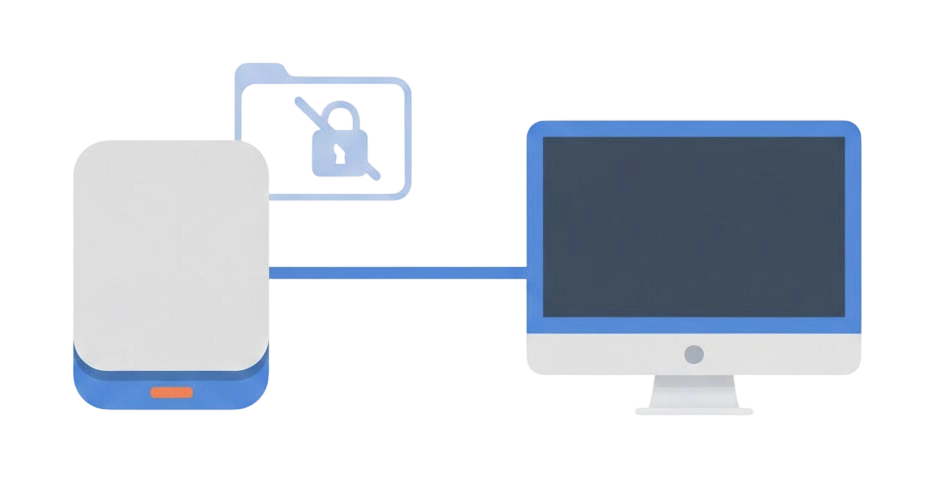
M3 BitLocker Loader for Mac does not install any software or auxiliary files on the BitLocker-encrypted drive itself. All access and encryption operations are handled on the macOS side.
This means the structure and contents of the BitLocker drive remain unchanged, and the drive can continue to be used on Windows systems without additional dependencies.
M3 BitLocker Loader for Mac supports BitLocker access on Apple Silicon–based Macs running supported versions of macOS.
Compatible models include Apple Silicon systems across multiple generations, such as M1, M2, M3, M4, and M5, including their Pro, Max, and Ultra variants. This allows BitLocker-encrypted external drives to be accessed consistently on modern Apple Silicon hardware.
M3 BitLocker Loader for Mac supports macOS High Sierra (10.13) and later, including current and recent macOS releases such as Mojave, Catalina, Big Sur, Monterey, Ventura, Sonoma, Sequoia, and Tahoe.
Earlier systems, including macOS Sierra (10.12) and older versions of OS X, please reach out to [email protected] for older version.
With the increasing use of high-capacity USB drives, securing sensitive data is more important than ever.
M3 BitLocker Loader for Mac enables the application of BitLocker Drive Encryption to external drives formatted with NTFS, FAT32, or exFAT on macOS. This ensures that your data is protected against potential loss or theft.
Encrypted drives can be accessed on Windows by entering the password, without needing additional software.
This utility allows seamless encryption and access of USB drives on both macOS and Windows using BitLocker, ensuring cross-platform compatibility.
BitLocker-protected drives can be accessed on macOS only after they are explicitly unlocked. Once mounted, file operations are handled through the standard macOS file system interface.
Install the Applicationn
Download and install M3 BitLocker Loader for Mac, then launch it on macOS.
Connect the BitLocker-Encrypted Drive
Connect the BitLocker-encrypted external drive to your Mac. The drive will be detected by the application, even if macOS cannot read it natively.
Unlock the Drive
Select the detected BitLocker-encrypted drive and provide a valid BitLocker password or the 48-digit recovery key.
Without valid credentials, the drive cannot be unlocked.
Choose an Access Method
File Manager method: Browse and copy files without mounting the drive as a writable volume.
Volume Mounter method: Mount the drive in Finder with read-write access. This option requires manually enabling a system extension.
Work With the Files
Once the drive is unlocked and, if applicable, mounted, file operations are handled through standard macOS workflows.
Learn more >>


BitLocker encryption can be applied to external drives on macOS using third-party software: M3 BitLocker Loader for Mac.
Encryption
Select Encrypt to continue.
Drive Selection
Choose a drive from the list to start the encryption.
Encryption Credentials
Set a password and save the recovery key.
Encryption starts after confirmation and cannot be interrupted.
Learn more >>


macOS supported:
macOS Tahoe, Sequoia, Sonoma, Ventura, Monterey, Big Sur, Catalina, Mojave, High Sierra
Storage device supported:
HDD, SSD, USB flash drive, SD card, memory card, memory stick, etc.
File system supported:
NTFS, FAT32, exFAT
Mac model supported:
Intel-based and Apple Silicon-based Mac (M5, M4, M3, M3 Pro, M3 Max, M2, M2 Pro, M2 Max, M2 Ultra, M1, M1 Pro, M1 Max Mac)
Language supported: English, German, French, Chinese Simplified, Chinese Traditional.
Oliver Cotton, 2025-06-26
I haven't experienced any issues using the M3 Bitlocker Loader for Mac, thanks for this great tool.
Sergio Ryan, 2023-08-15
The software worked well to copy files from BitLocker drive to my MacBook Pro.
Alastair Levy, 2023-01-17
I recently subscribed to M3 BitLocker for Mac to use it to unlock a specific external disc, for which it worked very well. Thank you for this.
Cory del Mar, 2021-02-16
Very nice software and easy to use, was able to help my brother remotely over video call, to open his external hard disk which encrypted with BitLocker.
Mike, 2021-01-28
I tried another tool which works for me but isn't quite as convenient as your tool "M3 Bitlocker Loader for Mac v6.2".
Massimo, 2020-11-26
Yesterday I tried HasleoBitLockerAnywhere but this tool, strange, it unlock the disk but the disk works only in the Finder, while in another filing tools like pathFinder, ForkLift etc. it doesn't permit to write files. Your utility "M3 Bitlocker Loader for Mac v6.0" works very well compared to the other.
Rob, 2020-10-14
Thanks for the great Bitlocker for Mac tool, helped me read Bitlocker encrypted USB drive on my macbook air.
Yes, but you need to install M3 BitLocker Loader for Mac on your Mac.
You need to install M3 BitLocker Loader for Mac so that you can read/write BitLocker encrypted drive on Mac or encrypt external drive by BitLocker.
The Mac version of BitLocker is a tool which can read/write BitLocker encrypted drive on Mac and encrypt external drives on Mac.
Install BitLocker for Mac tool (Such as M3 BitLocker Loader for Mac) on your Mac.
Yes, M3 BitLocker Loader for Mac is 100% safe. It won't corrupt your data while you are using it to read and write your BitLocker encrypted drive on Mac.
1. The trial version of M3 BitLocker Loader for Mac can view files and preview documents, photos, videos, audio, etc. in BitLocker encrypted drive.
2. Trial version can encrypt external drives.
To read and write BitLocker encrypted drive, you need to purchase full version.
You need to install M3 BitLocker Loader for Mac to unlock a BitLocker-encrypted drive on Mac.
Please contact [email protected] to get the version of M3 BitLocker Loader for Mac that works with Mac OS X.
If you don't have the password or recovery key, M3 BitLocker Loader for Mac and iBoysoft Data Recovery won't break into your BitLocker encrypted drive. Please refer to the solution: How to unlock BitLocker drive without password and recovery key?
If you don't want BitLocker to protect your drive any more, you can format the drive in Mac's Disk Utility.
You need to remove BitLocker password on a Windows PC. Go to Start > Control Panel > System and Security > BitLocker Drive Encryption. Then unlock your drive with correct BitLocker password. Click "Turn off BitLocker" and click "Decrypt Drive".
100% Secure
Super fast
Reliable
M3 BitLocker Loader for Mac
Access BitLocker-encrypted external drives on macOS, with support for unlocking, mounting, and standard file operations using valid credentials.
Try It Free Today!
2025-09-12
Version 8.0 Released
macOS Tahoe (26) compatibility; Maintenance and stability updates.
2024-09-27
Version 7.6 Released
macOS Sequoia (15) compatibility; Bug fixes and stability improvements.
2023-10-12
Version 7.2 Released
macOS Sonoma (14) compatibility; Driver updates; Maintenance updates.
2022-11-03
Version 7.0 Released
macOS Ventura compatibility
2021-08-19
Version 6.6 Released
Added a read-only basic edition
2021-01-25
Version 6.2 Released
Enhanced read-write driver performance
2021-01-05
Version 6.1 Released
Fixed activation message issue; Enhanced NTFS driver
2020-12-01
Version 6.0 Released
macOS Big Sur (11) and Apple Silicon M1 compatibility; New driver for BitLocker read/write access.
2019-11-01
Version 5.6 Released
macOS Catalina (10.15) compatibility
2018-08-31
Version 5.0 Released
Encrypt external drive with BitLocker; Support Mojave 10.14; Improve read/write speed; Display drive name.
2017-11-23
Version 4.8 Released
Improve read/write speed in volume mounter option; Mount BitLocker encrypted drive in read-only mode.
2017-02-16
Version 4.2 Released
Support to preview documents, photos, videos, etc.; Generate reports; Fix bugs and improve product quality.
2016-12-02
Version 4.0 Released
Brand-new UI to make operations very simple; Change drive name; Save password.
2016-09-18
Version 3.8 Released
Support macOS 10.12 (Sierra); Remove 7-day trial time limitation in trial version.
2016-06-12
Version 3.6 Released
Support new BitLocker drive encryption algorithm (XTS-AES) and write BitLocker encrypted exFAT drive.
2015-11-04
Version 3.2 Released
Write BitLocker encrypted FAT32 & NTFS drive, brand-new UI, compatible with Mac OS X 10.11 (El Capitan)
2015-07-27
Version 2.8 Released
Fixed the developer certificate bug on Mac OS X 10.6, compatible with Mac OSX 10.6 (Snow Leopard)
2015-05-20
Version 2.6 Released
Support NTFS and ExFAT file systems.
2015-04-15
Version 2.1 Released
Compatible with Mac OSX 10.10 (Yosemite)
2015-04-05
Version 2.0 Released
Support FAT file system and compatible with Mac OS X 10.9/10.8/10.7